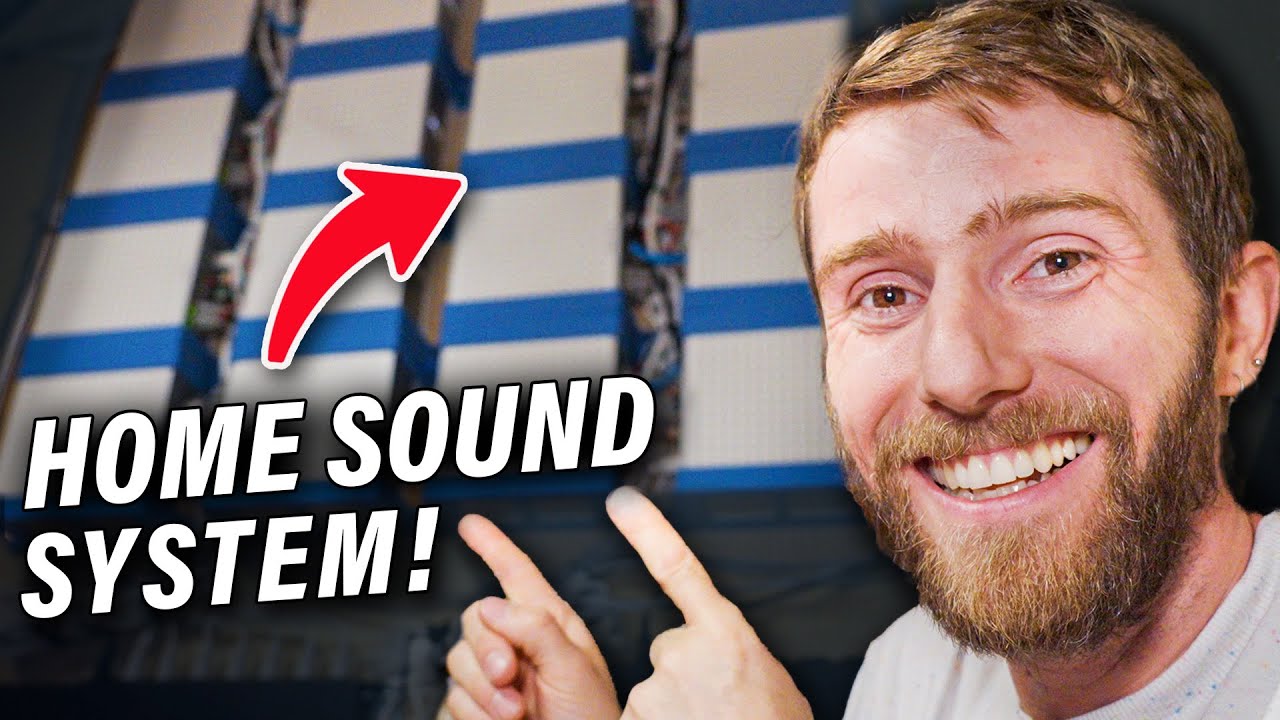
It’s Glorious!! - Whole Home Sonos Audio Setup
0 up · 0 down · 0 ratings
Promos
Remove your personal information from the web at joindeleteme.com and use code LTT for 20% off. Win a Hennessey Ford Bronco or $75K cash with no purchase necessary with the Ridge Wallet sweepstake!
Check out the link below: ridge.com Clutter sure does look a lot better when it's organized, and so do 17 Sonos Connect amps. Watch Linus and Alex wall mount this crazy wi-fi audio setup in his house. STL files for the Sonos Connect:Amp mount: printables.com Discuss on the forum: linustechtips.com Buy 2nd Gen Sonos Connect: Amps on eBay: ebay.us Buy 1st Gen Sonos Connect: Amps on eBay: ebay.us Buy a Sonos Connect: Amp: geni.us Buy a Klipsch PRO-180RPC In-Ceiling Speaker: lmg.gg Buy Infinite Cables CAT6a Patch Cables: lmg.gg Buy Infinite Cables AC Power Cables: lmg.gg Buy Infinite Cables Rack Mount PDUs: lmg.gg Purchases made through some store links may provide some compensation to Linus Media Group. ► GET MERCH: lttstore.com ► GET EXCLUSIVE CONTENT ON FLOATPLANE: lmg.gg ► SPONSORS, AFFILIATES, AND PARTNERS: lmg.gg ► EQUIPMENT WE USE TO FILM LTT: lmg.gg ► OUR WAN PODCAST GEAR: lmg.gg FOLLOW US --------------------------------------------------- Twitter: twitter.com Facebook: @LinusTech Instagram: @linustech TikTok: @linustech Twitch: twitch.tv MUSIC CREDIT --------------------------------------------------- Intro: Laszlo - Supernova Video Link: youtube.com iTunes Download Link: itunes.apple.com Artist Link: soundcloud.com Outro: Approaching Nirvana - Sugar High Video Link: youtube.com Listen on Spotify: spoti.fi Artist Link: youtube.com Intro animation by MBarek Abdelwassaa @mbarek_abdel Monitor And Keyboard by vadimmihalkevich / CC BY 4.0 geni.us Mechanical RGB Keyboard by BigBrotherECE / CC BY 4.0 geni.us Mouse Gamer free Model By Oscar Creativo / CC BY 4.0 geni.us CHAPTERS --------------------------------------------------- 0:00 Intro 1:21 Wi-Fi Audio 4:00 Dismantling Begins 6:00 Mounting Amps 10:00 Wiring 13:07 Wall Mounting 15:02 Cable Management 16:55 Moment of Truth 19:43 Outro
The video documents Linus and the team tackling a colossal whole-home wifi audio installation featuring 17 Sonos Connect:Amp units, wall mounts, and a high density of cables. It starts with a candid discussion about the plan and the perception that wifi audio is premium, then pivots to a proof of concept: 17 zones driven by a centralized rack and wall-mounted amps. The hosts explain the benefits of wifi multi-zone audio, including independent zone control, dynamic configuration, and seamless device handoffs without re-pairing. They acknowledge the cost, sourcing equipment secondhand, and emphasize that the project is a mix of engineering and organization, not merely buying premium speakers. The narrative then shifts to the assembly phase, highlighting new cable management arches, 3D printed amp mounts, and a focus on clean, professional-looking wiring. Throughout, they contrast the “before” clutter with the “after” datacenter-like setup, underscoring the satisfaction of a tidy, scalable system. In the second segment, the team discusses speaker choices, including Klipsch and Polk options and the lower-cost gen 1 versus more advanced gen 2 Connect:Amp models. They explain feature tradeoffs such as Atmos support and dual mono mode, and why they opted for cost savings by using older hardware where appropriate. The video details practical constraints like space, power delivery, and the challenge of mounting 17 units on a wall while preserving room for future expansion. There is a strong emphasis on planning, labeling, and modularity to avoid chaos as the system grows. When the mounting plan hits a snag, they improvise with brackets, plywood, and a rack-friendly approach that preserves access and cable routing. The crew then showcases the results of their efforts with the wall-mounted rack, demonstrating how the cables coil and disappear from sight while remaining serviceable. A significant portion centers on the wall-mount fabrication process, including cutting, screwing, and aligning pieces, as well as the teamwork required to handle large hardware safely. They discuss the decision to use a plywood mounting panel as a renter-friendly solution, the challenges of studs, and the importance of cable management in a dense install. The moment of truth arrives as they power up the system and verify that all 17 zones come online, with fanfare around the seamless audio across rooms. The sequence concludes with a showcase of the final soundscape in different rooms and the outside area, confirming that the multi-zone network is functioning as intended. The video closes with a sponsor segment and a nod to the community, inviting viewers to check STL files for the wall mounts and to explore related Linus Tech Tips content. Overall, the video blends hands-on carpentry, real-world DIY challenges, and a celebratory reveal of a complex, scalable home audio system. It doubles as a tutorial on making a large, room-spanning installation both practical and visually impressive, while also offering commentary on equipment choices, cost-saving strategies, and the importance of clear planning in creative tech builds. Viewers are left with a clear sense of how to approach multi-zone wifi audio projects, the potential pitfalls, and the satisfying payoff of a cleaner, more capable home audio environment.
Topics · technology · home_audio · diy · maker · construction · plumbing? · engineering · audio
Questions answered
- What is the main goal of this home audio project?
- To create a multi-room wifi audio system using 17 Sonos Connect:Amp units, wall mounts, and a centralized rack with organized cable management for a scalable, high-performance setup.
- Why did the team choose wifi audio over traditional Bluetooth Speakers?
- Because wifi audio supports multiple zones, dynamic configuration, no need for constant re-pairing, and better scalability across a large home.
- What are the tradeoffs when selecting gear for this installation?
- Using older Gen 2 Connect: Amps can save money, sacrificing some features like Atmos and 24-bit audio, while loading newer models would raise costs.
- How is the system mounted and organized?
- A plywood mounting panel is wall-mounted to simplify installation and allow clean cable routing, with 3D printed amp mounts and dedicated arches for cable management.
- What is a notable ongoing consideration for future upgrades?
- Ensuring there is space for additional equipment, considering ear mounting and future speaker choices, and maintaining organized cabling for easy maintenance.