Corsair Commercial: H110 Liquid Cooler Tech Quickie & Installation Guide
0 up · 0 down · 0 ratings
Description
This video was produced for Corsair to showcase their H110 2x 140mm CPU liquid cooler. If you're not confident setting up liquid cooling, the video also includes a step-by-step installation guide! Product Link: bit.ly
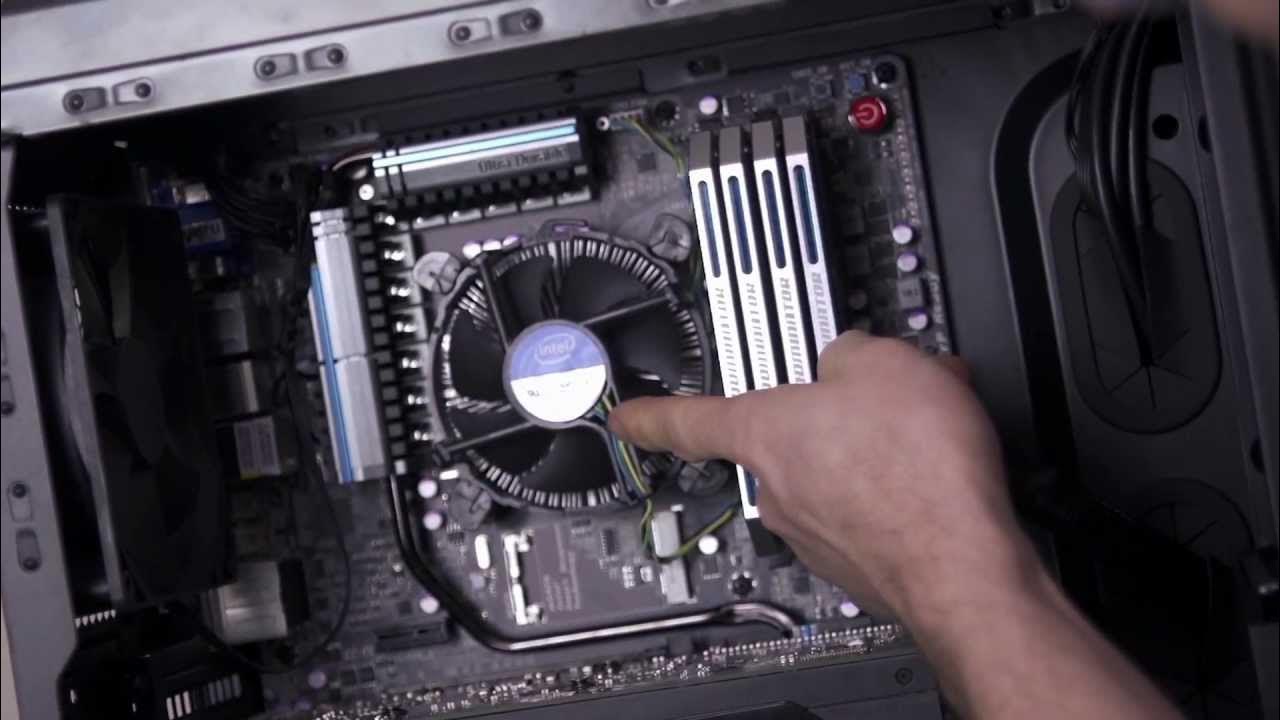
The Corsair H110 Liquid Cooler Quickie presents a concise overview of the processor cooling solution, highlighting its capacity to move heat efficiently using a 280 mm radiator powered by two 140 mm fans. The video explains the rationale for using liquid cooling as transistors shrink and die sizes reduce, noting that stock coolers prioritize compatibility and low cost while high-performance liquids provide significantly higher heat transfer. It then demonstrates the advantages of larger 140 mm fans, such as 36 percent more surface area for heat dissipation compared to 120 mm configurations, positioning the H110 as a strong option for enthusiasts and overclockers. The presenter details what comes in the kit, including the cooler, two fans, and mounting hardware for both Intel and AMD systems, and emphasizes the need for a Philips head screwdriver to install it. Throughout the guide, practical tips on handling the back plate, mounting hardware, and case considerations are shared to ensure a clean and stable setup. The installation steps are laid out in sequence: removing the stock cooler, cleaning the CPU, installing the back plate and mounting tags, placing the radiator and fans, and finally connecting the fan headers to the motherboard or a controller. The host also explains a best-practice approach to tightening screws in a cross pattern to avoid uneven pressure and potential damage, and discusses options for exhaust versus intake fan configurations depending on case airflow. By the end of the guide, viewers are walked through powering the radiator fans and CPU pump, and are encouraged to consider Corsair Hydro Series for future builds, reinforcing the credibility of Corsair as a leading supplier of liquid cooling systems worldwide. The video closes with a concise sign-off from Linus, reinforcing the educational value and inviting viewers to explore further content.
Topics · technology · installation-guide · hardware-computing · product-review
Questions answered
- What is the radiator size and how many fans does the Corsair H110 use?
- The Corsair H110 uses a 280 mm radiator with two 140 mm fans.
- What is a key installation tip to avoid damaging the motherboard during mounting?
- Hand-tighten the screws first to avoid cross-threading, then finish tightening with a screwdriver in a cross pattern to prevent uneven pressure on the CPU socket.