Ryzen Stock Heatsinks (Wraith) as Fast As Possible
0 up · 0 down · 0 ratings
Promos
AMD launched their new Ryzen CPUs with a line of stock heatsinks that are actually interesting! TunnelBear message: TunnelBear is the easy-to-use VPN app for mobile and desktop. Visit tunnelbear.com to try it free and save 10% when you sign up for unlimited TunnelBear data. Techquickie Merch Store: designbyhumans.com Techquickie Movie Poster: shop.crowdmade.com Leave a comment with your requests for future episodes, or tweet them here: twitter.com Follow: twitter.com Join the community: linustechtips.com
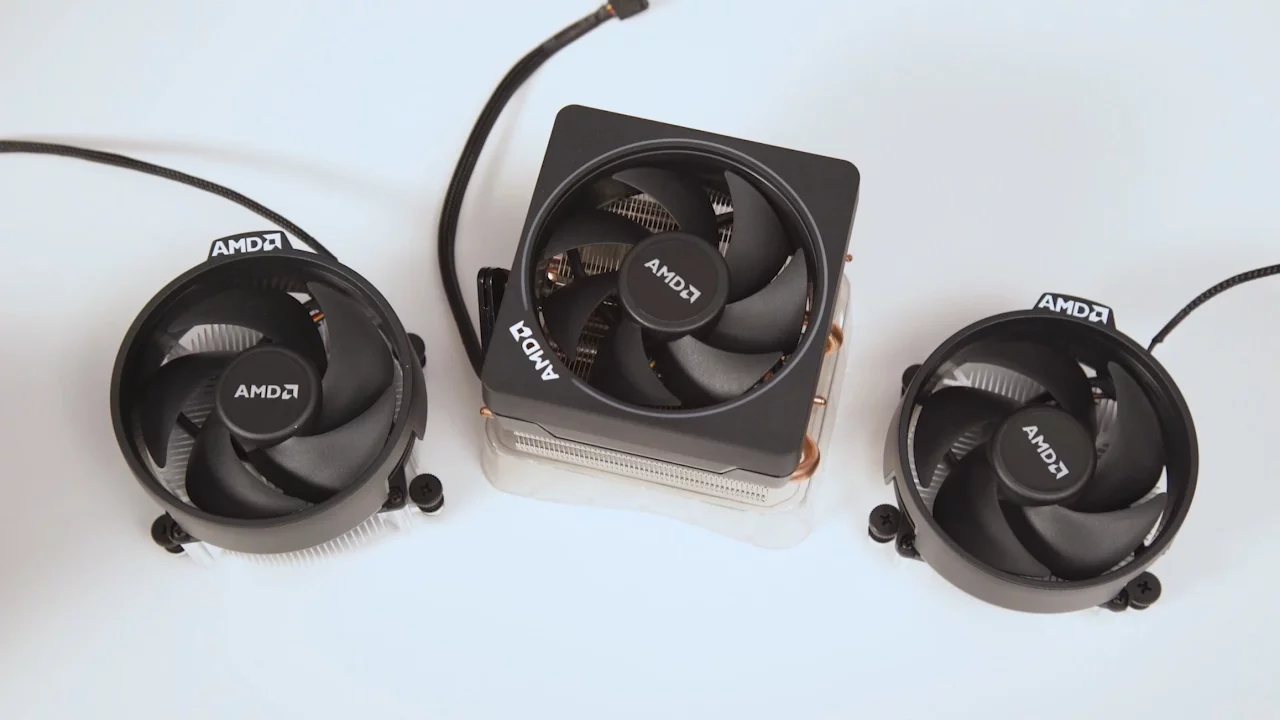
The video introduces AMD's Ryzen stock cooling lineup, focusing on the Wraith family and how these coolers perform when used as stock solutions rather than high-end aftermarket models. It starts by reframing the common perception of stock heatsinks as weak and loud, then explains that AMD aimed for better cooling and quieter operation with the Wraith line. The host delineates three models: Wraith Stealth for 65W CPUs, Wraith Spire for 95W CPUs with potential for modest overclocking, and the high-end Wraith Max rated for 140W. Each model is described in terms of size, mounting approach, and notable features such as an RGB ring on the Spire and the Max’s heat pipe design. The discussion then shifts to installation methods, highlighting two distinct mounting systems: a newer clip-based method for Stealth and Spire that uses a back plate and four screws, and an older clip-and-lever system compatible with Wraith Max. The presenter walks through the basic steps,removing the stock mounting, applying thermal compound if needed, securing the cooler with the included screws in a crisscross pattern, and connecting the fan to the CPU header. RGB connectivity is explained, detailing how to link the RGB cable to a USB or motherboard header to synchronize lighting. The segment closes with questions for viewers about their experiences with stock Wraith coolers and invites feedback on future Ryzen-focused content. The overall takeaway is that Ryzen stock coolers offer solid performance for mainstream use and modest overclocking, while remaining relatively quiet, and that installation varies by model with straightforward steps for most builds.
Topics · technology · hardware · pc_building · cpu_cooling