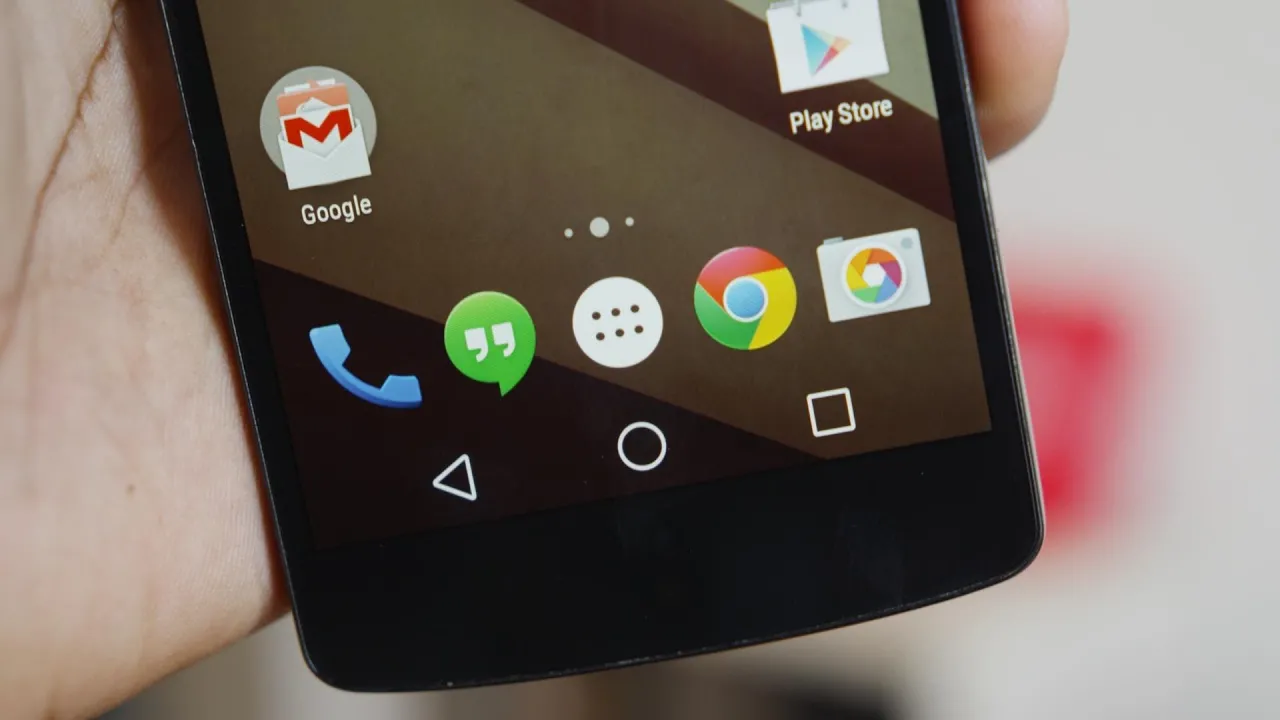
Top 5 Best Android L Features!
0 up · 0 down · 0 ratings
Channels and socials
Android L features on the Nexus 5. This is everything you need to know about the best of it! Android L wallpaper: i.imgur.com Android L keyboard: play.google.com 1. Lockscreen [0:29] 2. Notifications [1:31] 3. Material Design [2:47] 4. Settings [4:08] 5. The little things [5:06] Android L showcase: developer.android.com Nexus 5 Review: youtu.be Video Gear I use: amzn.com Intro/Outro Track: Deadmau5 - Slow Down, Start Over ~ twitter.com google.com @MarquesBrownlee @MKBHD @MKBHD
Android L introduces a substantial visual and functional makeover that centers on a more cohesive and fluid user experience. The video walkthrough showcases how the lockscreen gains meaningful interactivity, allowing users to swipe up to unlock, swipe left to open the camera, and swipe right to access the dialer, all while presenting live system notifications without unlocking. The presenter highlights quick, one-tap access to dismiss or open notifications and notes a redesigned status bar that becomes transparent, along with a new battery indicator that shows the remaining time while charging. The discussion then shifts to the depth of material design, emphasizing smooth, purposeful animations that reveal where elements come from and where they go, with the goal of delivering a polished, 60 frames per second experience across core stock apps like the calculator, people, and the dialer. Finally, the video surveys a refreshed Settings app, an adaptive brightness feature set, mirror casting via Chromecast, and a tightened, skinned UI with a built-in search function to quickly reach specific settings, all underscoring Android L as primarily a visual and interaction polish on top of deeper under-the-hood improvements. The overall tone is cautiously optimistic about Android L, noting that many features are in developer preview and will evolve before final release, with anticipation for broader device support beyond the Nexus line. The presenter closes by encouraging viewers to like and share the video for those curious about Android L and its potential impact on the Android ecosystem.
Topics · technology · mobile operating system · design · android
Questions answered
- What are the key lockscreen enhancements in Android L?
- The lockscreen now supports swipe up to unlock, swipe left to open the camera, and swipe right to access the phone dialer, with notifications readable directly from the lockscreen.
- How does Android L approach material design and animations?
- Android L uses material design with smooth, purposeful animations that show where elements originate and how they move, aiming for a consistent 60 frames per second across stock apps.
- What new settings related features are highlighted in Android L?
- Adaptive brightness, a cast screen option to mirror the display, updated storage and battery history views, and an integrated search box in the Settings app are introduced or refined.