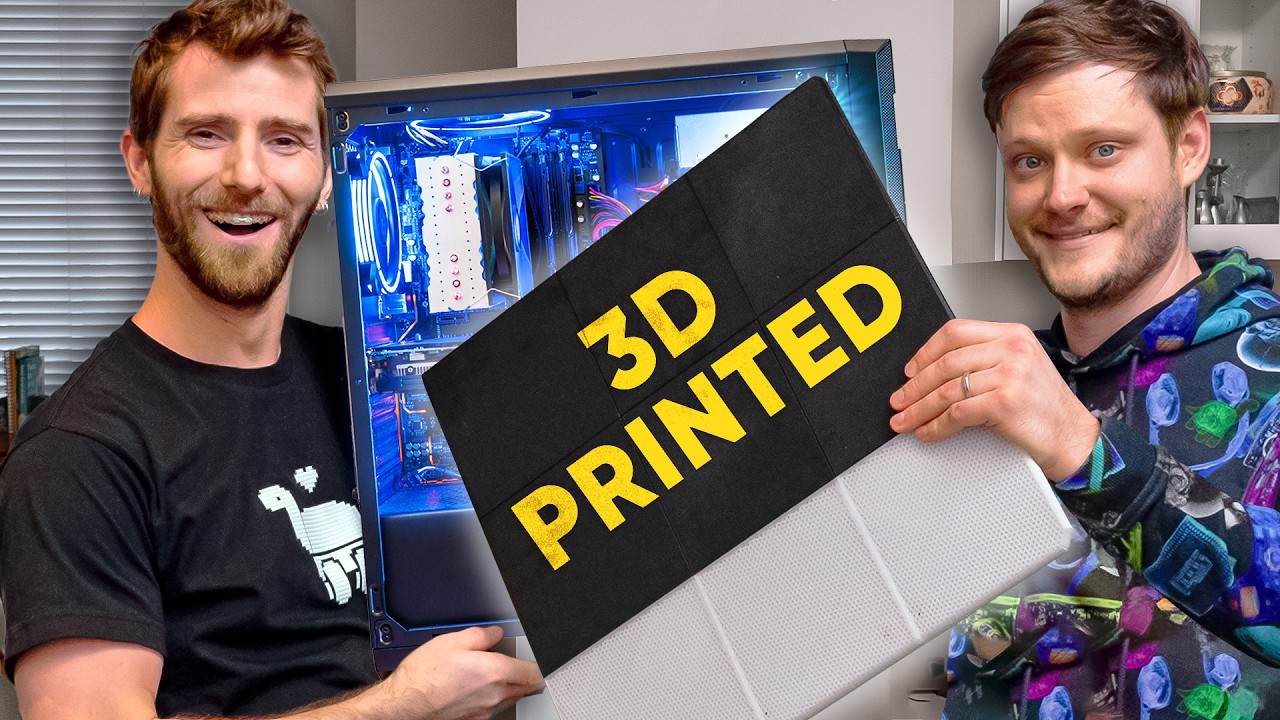
He 3D Printed a case instead of buying one? - AMD $5000 Ultimate Tech Upgrade
0 up · 0 down · 0 ratings
Description
Thanks to AMD for keeping this series going and sponsoring this video!
Check out their latest offerings at lmg.gg Head over to bit.ly to win an AMD Ryzen 7 9800X3D! AMD upgrade is BACK BABYYYYY!!! For our first upgrade in 2026, we let Nathaniel run wild with $5,000 which he spent on a new PC (Powered by AMD), some 8TB drives for his NAS, and a freaking 4HP router spindle. Discuss on the forum: linustechtips.com
Check out the stuff from Nathaniel's upgrade! AMD RYZEN 7 9800X3D 8-Core CPU: geni.us Prusa CORE One+ kit 3D Printer: geni.us ASUS ROG Strix B850-A WiFi Motherboard: geni.us Seagate IronWolf Pro 8TB NAS HDD: geni.us Western Digital 8TB Ultrastar HDD: geni.us Samsung 990 PRO SSD 4TB: geni.us APC Back-UPS Pro BR1000MS UPS: geni.us Link to the 3D Printed Case: printables.com
Channels and socials
Check out our Channel Partners: Secretlab - Grab a TITAN Evo ergonomic gaming chair: lmg.gg PIA - Get the VPN of our choice: piavpn.com dbrand - Buy a "Circuit" series skin for your device: dbrand.com ► SHOP LTT PRODUCTS: lttstore.com ► GET EXCLUSIVE CONTENT ON FLOATPLANE: lmg.gg ► DIVE DEEPER ON THE LTT LABS WEBSITE: lmg.gg ► SPONSORS, AFFILIATES, AND PARTNERS: lmg.gg Purchases made through some store links may provide some compensation to Linus Media Group. Affiliate links powered in part by affilimate.com Linus Sebastian is an investor in Framework Computer, Inc and HexOS by Eshtek. CHAPTERS --------------------------------------------------- 0:00 Intro 1:07 Giveaway! 1:40 Snooping Around 2:55 The Workshop 6:39 Upgrading the PC 8:17 Teasing new products 8:49 3D Printed case 12:05 Modifications are needed 13:08 Back to PC Building 14:37 I'm not a Fan of this 17:30 Powering on the NAS 18:36 Gaming PC time 19:38 No internet :( 20:17 YIPPEE IT'S WORKING 22:40 Outro
The video follows the Linus Tech Tips team as they continue the AMD Ultimate Tech Upgrade series, this time granting Nate a $5,000 budget to level up a gaming PC, expand storage, and even venture into CNC and 3D printing. The central wow moment is Nate's decision to 3D print and assemble a full NAS/PC case, turning a standard enclosure into a custom 12-bay design with magnetic mounting and modular drive sleds. Viewers get an inside look at the workshop, where the team tunes a router spindle, wires the NAS, and prepares a Linux CNC workflow to drive the hardware upgrades. We see the interplay between DIY ingenuity and practical constraints as they swap components like a Ryzen 7 9800X3D, 8 TB drives, and a Prusa Core One+ 3D printer kit for a home server build. The hosts discuss the economics and feasibility of DIY upgrades versus off-the-shelf cases, noting that the total cost is perhaps similar to buying, but the journey and customization feel worth it. By the end, the NAS is online, the gaming PC is back in place, and the team teases future AMD upgrade content while celebrating the ingenuity of a 3D printed solution. The narrative unfolds with Nate presenting a hands-on upgrade plan, including a detailed look at the 3D printed case and the router spindle as an unusual but effective workflow element. They highlight the stage-by-stage process: from unboxing and testing the case design to rigging a proper cooling solution and ensuring drive bays align with a 12-bay NAS configuration. The discussion touches on storage topology, including RAID-like hexos OS usage, OS and cache drives, and how they plan to configure the four 8 TB drives for redundancy and performance. Technical hurdles are documented in real time, such as fitting the RAM cooler and adjusting power cables, which underscore the challenges of integrating pricey components in a nonstandard chassis. The team shows how rapid prototyping and iterating on a 3D printed chassis can still result in a robust and aesthetically pleasing build. Finally, the segment connects the build to broader themes of maker culture, showing how accessible tools like a Prusa Core One+ can empower enthusiasts to customize and upgrade without relying solely on commercial cases. A key portion of the video explores the NAS and home server setup, including OS selection, drive health considerations, and the goal of keeping family photos and important data on-site rather than in the cloud. Nate discusses NAS software options, the use of hexos for a compact, containerized environment, and the practical decision to reuse hardware from an old desktop to minimize waste and expense. The conversation also covers the balance between performance and reliability, such as RAM capacity planning for potential virtual machines and future-proofing with 48 GB vs 32 GB configurations. There is also a lighter thread about the team’s ongoing banter, a nod to the iconic stubby screwdriver debate, and a few playful teases about audience engagement and potential future builds. The wrap-up provides a satisfying sense of completion: the gaming PC is reassembled, the NAS is accessible on the network, and the system is verified as working, with thanks given to AMD for sponsoring the upgrade and encouraging more over-the-top, hands-on tech projects. The video culminates with reflections on the value of DIY tech experimentation, the practicality of a 3D printed case, and the continued appeal of high-end AMD hardware in a hobbyist setting. It motivites viewers to imagine their own ambitious upgrades, including 3D printed solutions and modular storage, while acknowledging the learning curve and the trade-offs between cost, time, and performance. The hosts discuss future possibilities, including more AMD-driven upgrades and possibly additional collaborators, inviting the audience to participate through giveaways and community forums. The overall impression is one of enthusiastic experimentation that blends hardware prowess with creative fabrication, underscoring the maker spirit at the heart of Linus Tech Tips.
Topics · technology · diy projects · pc hardware · maker culture · gaming
Questions answered
- What is the main upgrade Nate performs in this episode?
- Nate upgrades his setup with a $5,000 budget, building a gaming PC, expanding NAS storage, and 3D printing a custom NAS/PC case.
- What hardware is highlighted for gaming performance?
- The Ryzen 7 9800X3D is highlighted as an excellent gaming CPU choice in the upgrade.
- What storage configuration is used for the NAS?
- The NAS uses four 8 TB drives with a planned RAID-like configuration and hexos OS for management.
- What is notable about the 3D printed case?
- The case is fully 3D printed with modular drive sleds and magnetic mounting, showcasing a high level of customization.
- Is the NAS setup fully operational by the end of the video?
- Yes, the NAS is configured, networked, and accessible, with the system installed and running.