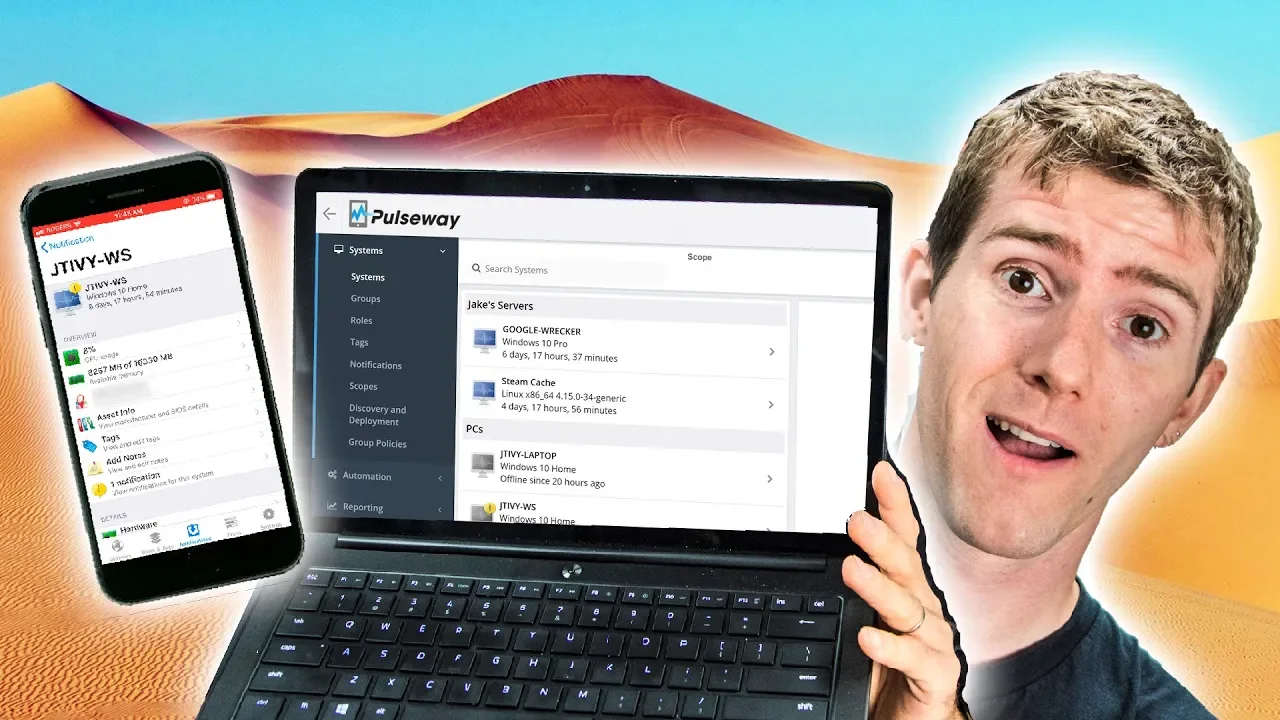
Control Your PC from ANYWHERE! - Pulseway Showcase
0 up · 0 down · 0 ratings
Promos
Thanks to Pulseway for sponsoring this video! Monitor and manage your PC in real-time with Pulseway! Create your free account today at pulseway.com Discuss on the forum: linustechtips.com Our Affiliates, Referral Programs, and Sponsors: linustechtips.com Linus Tech Tips merchandise at designbyhumans.com Linus Tech Tips posters at crowdmade.com Our Test Benches on Amazon: amazon.com Our production gear: geni.us Twitter - twitter.com Facebook - @LinusTech Instagram - @linustech Twitch - twitch.tv Intro Screen Music Credit: Title: Laszlo - Supernova Video Link: youtube.com iTunes Download Link: itunes.apple.com Artist Link: soundcloud.com Outro Screen Music Credit: Approaching Nirvana - Sugar High youtube.com Sound effects provided by freesfx.co.uk
Pulseway is presented as an RMM solution designed to let IT admins, enthusiasts, and even gamers remotely monitor and manage multiple systems from a centralized interface. The video begins by framing remote maintenance challenges and positions Pulseway as a capable alternative to tools like TeamViewer, emphasizing full control over deployed devices via web and mobile interfaces. Viewers are shown a list of connected machines, including a patent-pending Google Wrecker, a Steam caching server, a workstation, and a production storage server, with each device opening a rich set of monitoring tabs. The system displays real-time data such as CPU usage, RAM, core temperatures, motherboard and BIOS information, drive space, and can even trigger actions like sending a test print or scheduling updates. The video highlights Pulseway’s cross-platform support, noting clients for Linux, Raspberry Pi, macOS, Windows, and a REST API for custom monitoring and integration, plus a strong automation tab that ships with sample scripts for update management and other tasks. As the showcase continues, the presenters demonstrate the automation and mobile capabilities, illustrating how PowerShell or Bash scripts can be scheduled through Pulseway to handle critical updates outside business hours and to automate routine tasks. They emphasize the mobile app parity with the web interface, allowing users to wake on LAN, manage servers, and maintain oversight while on the go, and they note the availability of a free account option. The closing portion invites viewer participation, asking for ideas on how Pulseway could be used in different environments and teasing a future server room update, while acknowledging Pulseway as the sponsor and thanking viewers for watching. The overall takeaway is that Pulseway aims to provide a comprehensive, versatile remote management experience across devices and platforms with an emphasis on ease of use, automation, and real-time monitoring.
Topics · technology · it_management · remote_work · system_administration · software
Questions answered
- What platforms does Pulseway support for remote monitoring?
- Pulseway provides clients for Linux, macOS, Windows, and Raspberry Pi, with mobile apps for iOS and Android, plus a REST API for custom integrations.
- Can Pulseway replace traditional remote desktop tools on the free plan?
- The video notes that some remote desktop functionality may require a paid version, indicating the free plan may not include full remote desktop access.