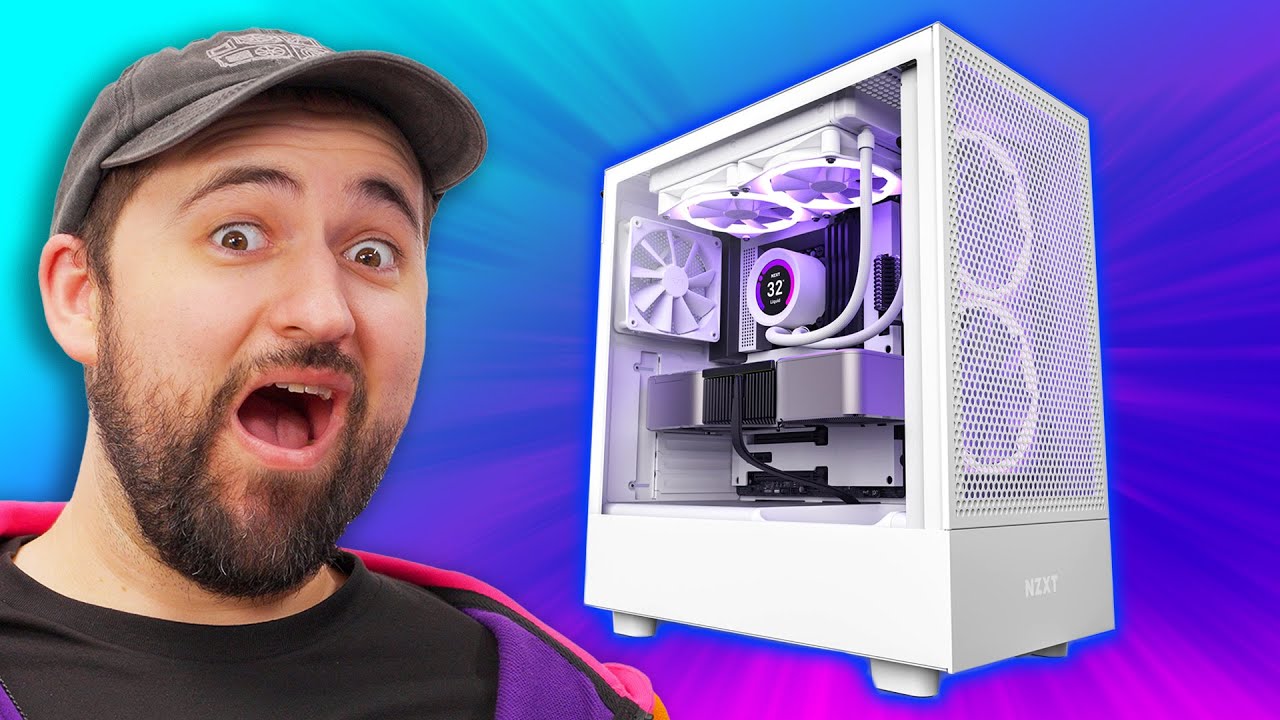
Does this change make a difference? - NZXT H5 Flow
0 up · 0 down · 0 ratings
Description
Thanks NZXT for sponsoring today's video!
Check out NZXT's H5 Flow case as well as some of the parts used below: Buy an NZXT H5 Flow at: nzxt.co Buy an NZXT Vertical GPU Mounting Kit: geni.us Buy an NZXT F120 Fan: geni.us Buy an NZXT T120 Cooler: geni.us Buy an Intel Core i5 12600K CPU: geni.us Buy an NZXT Kraken Z63 Cooler: geni.us Buy an NZXT Puck: geni.us Buy NZXT Lift Mouse: geni.us Buy a Crucial 1TB NVMe SSD: geni.us Buy an NZXT Signal 4k30 Capture Card: geni.us Buy a 32GB kit of Crucial Ballistix DDR4 RAM: geni.us Buy NZXT Thermal Paste: geni.us
Promos
Check out the PALiT Game Rock RTX 3070: lmg.gg Purchases made through some store links may provide some compensation to Linus Media Group. Want us to unbox something? Make a suggestion at lmg.gg ► SUBSCRIBE ON FLOATPLANE: floatplane.com ► GET MERCH: lttstore.com ► AFFILIATES, SPONSORS & REFERRALS: lmg.gg ► PODCAST GEAR: lmg.gg ► SUPPORT US ON FLOATPLANE: floatplane.com FOLLOW US ELSEWHERE --------------------------------------------------- Twitter: twitter.com Instagram: @shortcircuityt TikTok: @linustech Facebook: @ShortCircuitYT CHAPTERS --------------------------------------------------- 0:00 Who's NZXT? 0:34 Some key differences 1:34 Let's build a computer! 2:08 Motherboard 4:12 Where's the power supply? 4:54 GPU 8:42 The grand unveiling 10:36 Let's boot 'er up!
NZXT’s H5 Flow video is a deep dive into the changes from the H510 Flow to the H5 Flow, with Linus walking through the design updates and what they mean for builders. The host highlights key differences such as the angled GPU cooling fan aimed at improving GPU temperatures, the open top clearance that now accommodates up to a 240mm radiator, and the revised cable management channels that replace the older, smaller separators. He also notes the fixed top mounting area for the power supply area and the new full-length front mesh that improves dust control and airflow. Throughout, the host demonstrates an all-NZXT build using a mix of NZXT components including motherboard armor and a variety of NZXT cooling and storage options, while sharing opinions about aesthetics like purple accents and the built-in IO shield. The narrative includes hands-on steps to install components, run cables, and boot the system, ending with praise for the case’s overall look and the CAM software features that enable performance monitoring and fine-tuning. The video balances enthusiastic unboxing vibes with practical build tips, concluding that the H5 Flow delivers a visually striking, well-thought-out chassis that improves on its predecessor in both airflow design and assembly experience.
Topics · technology · computer_hardware · pc_build · product_review
Questions answered
- What are the main differences between the H510 Flow and the H5 Flow?
- The H5 Flow adds an angled GPU cooling fan, fixes the top airspace to allow 240mm radiators, improves cable management with larger channels, and enhances dust filtration with a full mesh front and improved perforation management.
- Does the H5 Flow support different cooling options?
- Yes, it supports both air cooling and AIO cooler setups, including up to a 240mm radiator at the top.
- Is the motherboard IO shield integrated in the NZXT motherboard?
- Yes, the NZXT motherboard used in the build has a built-in IO shield.