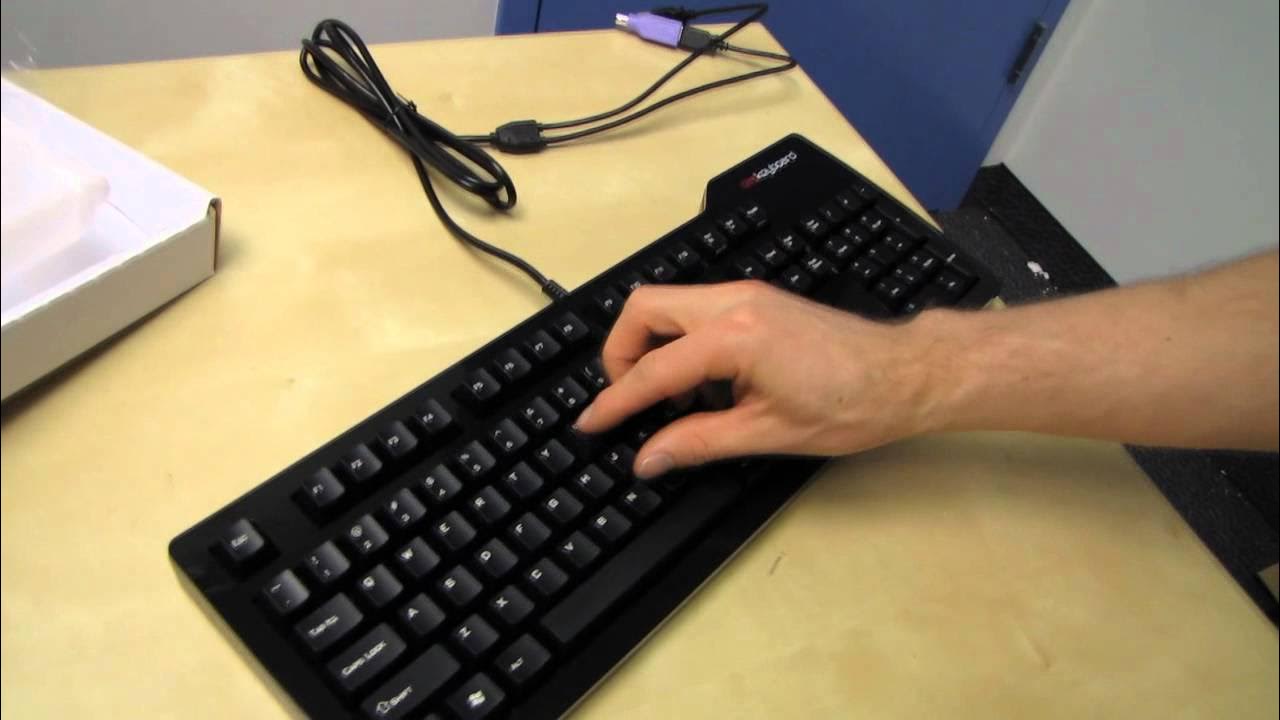
Metadot Das Keyboard Professional S Silent Mechanical Brown Keyboard Unboxing Linus Tech Tips
0 up · 0 down · 0 ratings
Description
Mechanical keyboards are the way to go, and Metadot Das Keyboards are among the most popular ones out there! CA: ncix.com US: us.ncix.com
The video is a hands-on unboxing and first-look at the Metadot Das Keyboard Professional S Silent Mechanical Brown, presented by Linus Tech Tips. The host walks through the package contents, noting a cleaning cloth, installation guide, a long cable, and USB hub features, including two USB ports and a PS/2 adapter. He explains the variant naming, distinguishing between silent and clicky, as well as ultimate and professional models, and clarifies that the silent version uses Cherry MX Brown switches for smoother, quieter keystrokes compared with clicky switches. The reviewer discusses the general benefits of mechanical keyboards, including full end-to-end key rollover and the more solid build quality that tends to reduce key jamming and improve typing and gaming performance. The video highlights practical details like the included feet for tilt, rubber pads to prevent sliding, and a standard layout with a familiar key arrangement. Toward the end, the host emphasizes the four variant options and teases a future NCIX Tech Tips roundup comparing different Metadot configurations, while noting that the silent model is not truly silent and will still produce noticeable sound when bottoming out. Overall, the unboxing frames mechanical keyboards as a superior typing tool for enthusiasts and gamers, offering durability, premium construction, and a range of options to suit different preferences and workflows.
Topics · hardware · peripherals · technology · unboxing · reviews
Questions answered
- What is the key switch type used in the Das Keyboard Professional S Silent?
- The Das Keyboard Professional S Silent uses Cherry MX Brown switches.
- What accessories and features come in the box?
- The box includes a cleaning cloth, an installation guide, a long cable, four rubber feet, a USB hub with two ports, a PS/2 adapter, and labeled ports for easy setup.