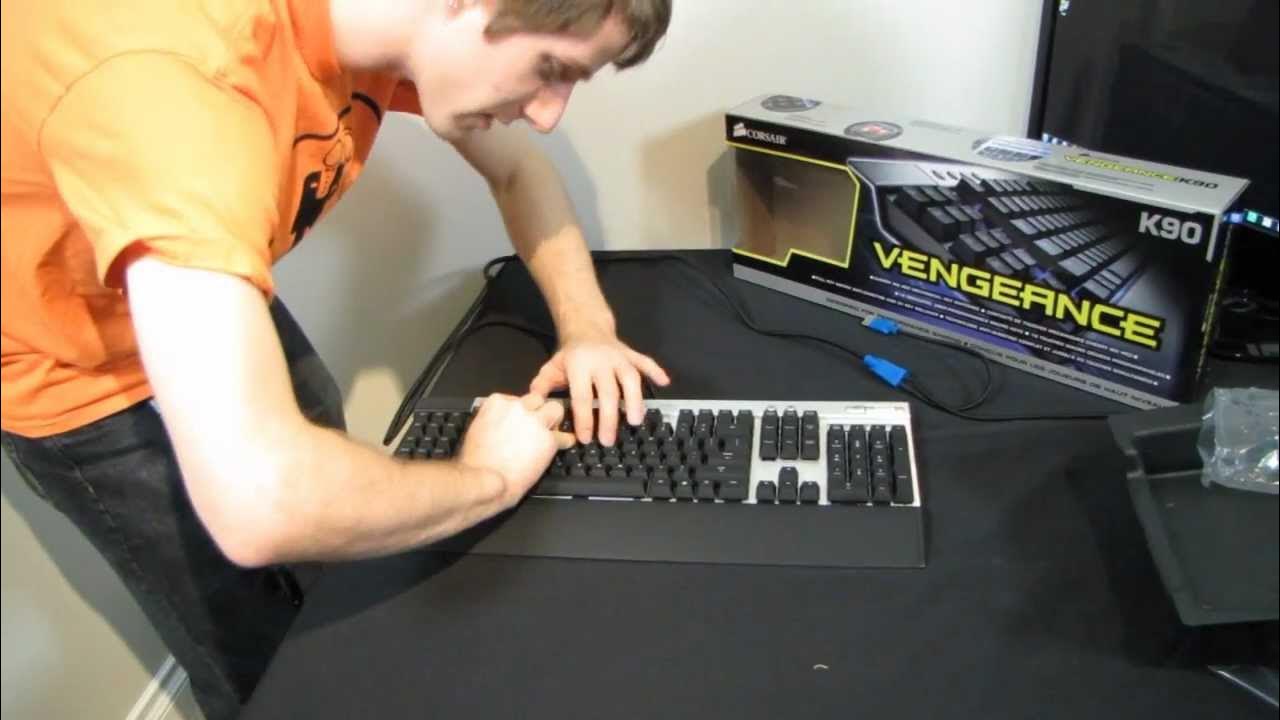
Corsair Vengeance K90 Backlit Macro Gaming Keyboard Unboxing & First Look Linus Tech Tips
0 up · 0 down · 0 ratings
Description
CA: ncix.com US: us.ncix.com This is about as feature-rich as gaming keyboards get at this point. Also it looks ballin' in the dark (which, let's face it, is where most of us gamers spend the majority of our time...)
The video opens with an unboxing of the Corsair Vengeance K90, introducing it as the larger counterpart to the K60 and highlighting its striking dark aesthetic. Linus Tech Tips emphasizes the kit’s premium presentation, including a warranty card, a quick start guide, and Corsair’s software for macro management. He notes the wrist rest accessory and the advantage of thumb screws for secure wrist-rest attachment, pointing out how this design fixes common durability issues seen in other keyboards. As he handles the keyboard, he explains the layout, focusing on the notarized differences between mechanical switches and the macro keys, which sit lower than the main keyboard plane for easy differentiation during use. The video continues with a hands-on demonstration of the USB pass-through and the fully powered USB 2.0 hub, clarifying that the keyboard does not contain an internal hub, which keeps data paths straightforward. Linus then delves into the build quality, describing the metal chassis, the raised keys, and the visible backlit key engravings that remain legible regardless of key press. He contrasts mechanical typing surfaces with the non-mechanical macro keys and explains Corsair’s choice of reds for a balance between gaming and typing, noting the quieter keystroke noise relative to other mechanical switches and the brightness of the LED backlighting that shines through laser-etched key surfaces. The review moves into the keyboard’s technical features, detailing full key matrix anti-ghosting, 20-key rollover, and onboard memory for customizable profiles, while also touching on USB limits and the storage of 36 kilobytes of onboard memory. Linus promises hands-on testing in future segments and invites viewers to upcoming NCIX store demos to try the keyboards in person, highlighting Corsair’s effort to provide a tangible, adjustable user experience. In closing, he demonstrates the keyboard’s light show with the lights turned off for dramatic effect and reiterates the K90 as one of the strongest and most visually impressive gaming keyboards he has encountered, inviting viewers to subscribe for more unboxings, reviews, and related content.
Topics · technology · hardware · unboxing · gaming peripherals · review
Questions answered
- What makes the Corsair Vengeance K90 stand out from its predecessors?
- The K90 adds individual key backlighting with laser-etched keys, a raised backboard to enhance illumination, a robust wrist rest with thumb screws, three onboard macro profiles, and 20-key rollover for better multi-key input, all integrated with Corsair software for macro management.
- How does the K90 address durability and key attachment issues?
- Corsair uses thumb screws for wrist-rest attachment instead of fragile plastic clips, and the wrist rest is securely supported with a calculated lip to prevent overextension, improving longevity.
- What is the practical benefit of the K90’s macro keys being lower than the main keyboard?
- Keeping the macro keys on a different plane helps users distinguish them by touch, reducing accidental presses of macro keys when trying to hit the Escape key or other top-row functions.