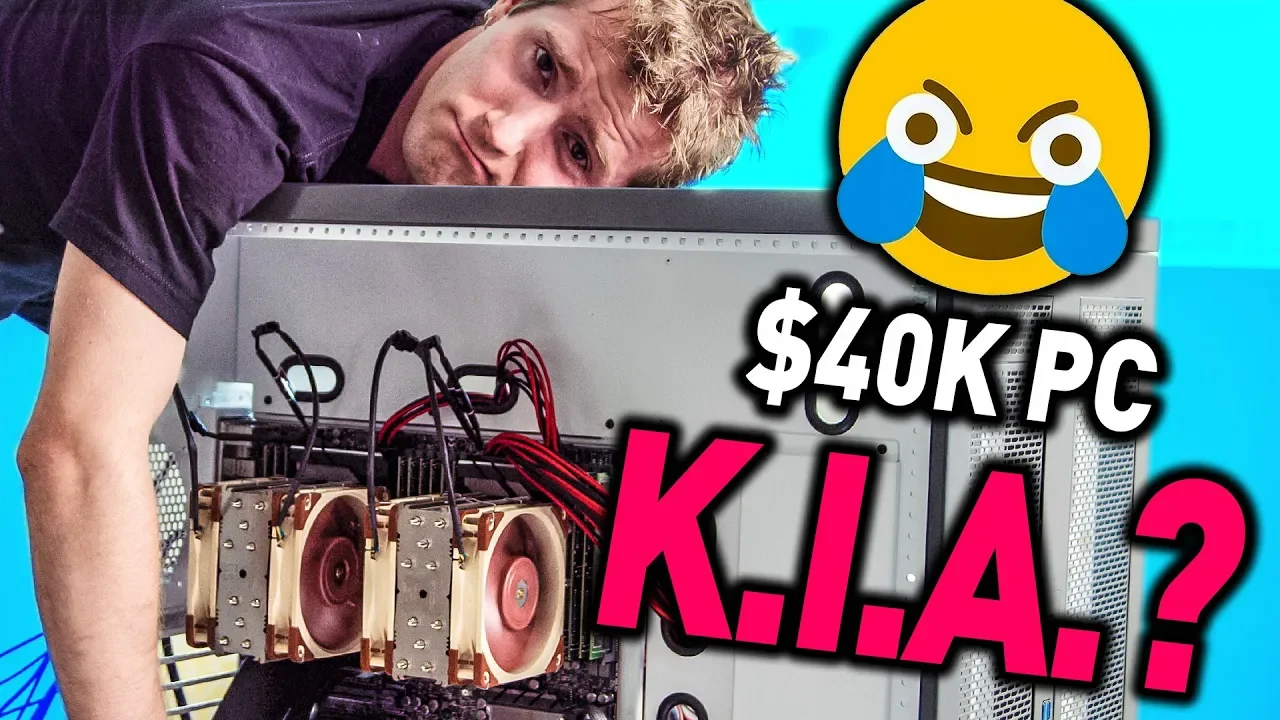
I almost cried... - 6 Editors 1 CPU Pt. 4
0 up · 0 down · 0 ratings
Promos
Check out Videoblocks by Storyblocks at videoblocks.com Buy video cards on Amazon: geni.us Discuss on the forum: linustechtips.com Our Affiliates, Referral Programs, and Sponsors: linustechtips.com Get Private Internet Access today at geni.us Linus Tech Tips merchandise at designbyhumans.com Linus Tech Tips posters at crowdmade.com Our Test Benches on Amazon: amazon.com Our production gear: geni.us Twitter - twitter.com Facebook - @LinusTech Instagram - @linustech Twitch - twitch.tv Intro Screen Music Credit: Title: Laszlo - Supernova Video Link: youtube.com iTunes Download Link: itunes.apple.com Artist Link: soundcloud.com Outro Screen Music Credit: Approaching Nirvana - Sugar High youtube.com Sound effects provided by freesfx.co.uk
I almost cried... - 6 Editors 1 CPU Pt. 4 follows Linus Tech Tips as they continue the monumental effort of building and stabilizing a six-GPU workstation inside a single CPU system. The video opens with the team detailing a potential showstopper when the system reboots after adjusting an external PCIe cable, underscoring how delicate the configuration is when you’re squeezing six GPUs into a single motherboard. They describe patterning behavior across VM2 and VM6, revealing the complex interplay between PCIe lanes, onboard audio controllers, and GPU boot issues. The crew experiments by swapping GPUs, pulling out cards, and testing different configurations to isolate the root cause of the instability, while also confronting practical limits of hardware supply and vendor expectations. The tone shifts between frustration and determination, with moments of humor as they joke about their struggles and the chaotic but earnest process of troubleshooting a high-end, non-standard build.
Topics · technology · hardware · pc-build · virtualization · troubleshooting
Questions answered
- Waarom liep de setup zo vaak vast bij het combineren van zes GPU's met één CPU?
- Omdat meerdere variabelen tegelijk gewijzigd werden, zoals PCIe lanes, BIOS-instellingen en GPU-compatibiliteit met specifieke kaarten, waardoor het moeilijk werd om precies te isoleren wat faliekant ging.
- Welke hardware-aanpassingen bleken uiteindelijk het meest impactvol?
- Het terugschakelen naar basale configuraties, het afzonderlijk testen van GPU-slots en het herconfigureren van PCIe-decodering boden het meeste inzicht en brachten stabiliteit terug, terwijl recente BIOS-aanpassingen de toegang tot geavanceerde instellingen boden.