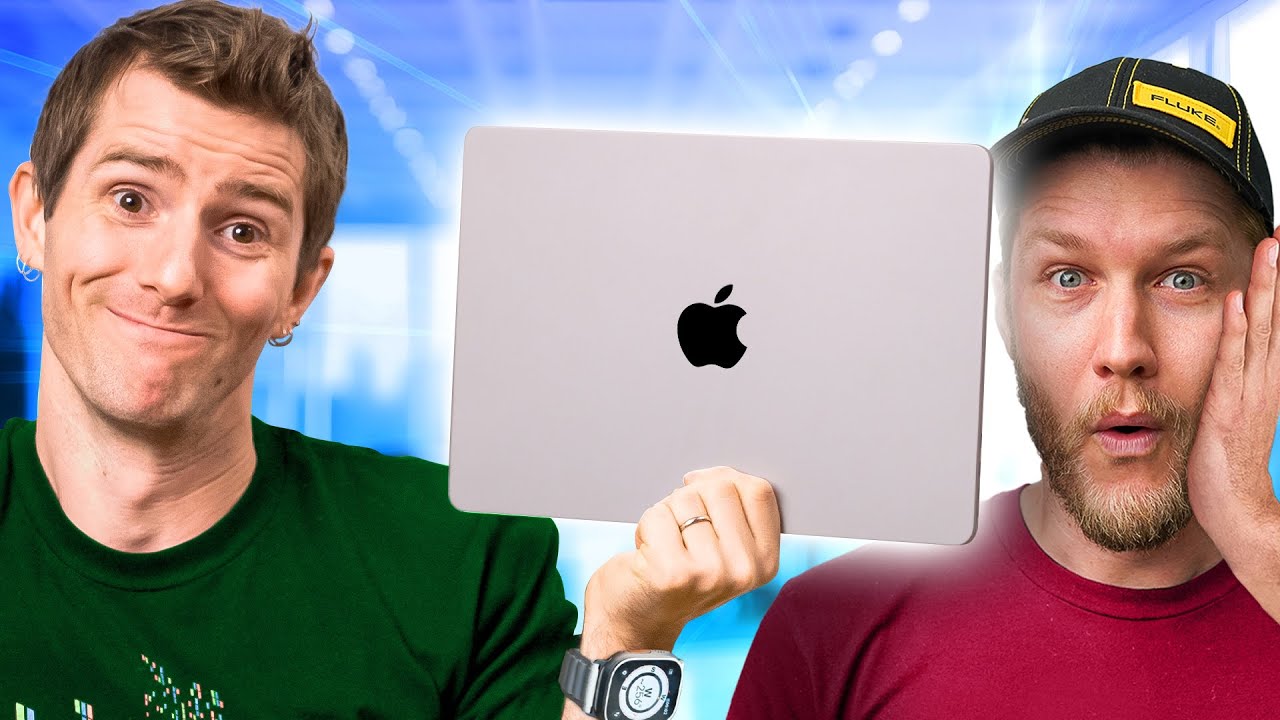
I don’t hate my Mac - Switching to Apple Pt. 2
0 up · 0 down · 0 ratings
Description
Order the NexiGo TriVision Ultra at: lmg.gg We spent two months living the Mac life, and it wasn’t exactly smooth sailing. The hardware impressed us, and some of the features were genuinely great, but clunky UI quirks, frustrating compatibility problems, and unreliable Wi-Fi on a $10,000 Mac Pro reminded us that macOS still has its issues. We break down what worked, what didn’t, and why at least one of us hasn’t switched back. Discuss on the forum: linustechtips.com
Check out the M4 MacBook Pro: geni.us
Promos
Check out the M2 MacBook Air: geni.us ► GET OUR MERCH: lttstore.com ► GET EXCLUSIVE CONTENT ON FLOATPLANE: lmg.gg ► GET A VPN: piavpn.com ► SPONSORS, AFFILIATES, AND PARTNERS: lmg.gg Purchases made through some store links may provide some compensation to Linus Media Group. CHAPTERS --------------------------------------------------- 0:00 Intro 0:35 Why we're still using macOS 1:06 Sponsor - Nexigo 1:31 macOS strengths and ecosystem perks 3:23 UI frustrations and window management 6:04 The hardware is amazing 8:37 Integration with other devices 10:41 Network bugs and sleep issues 13:15 Apple Music, security, and workflows 15:07 Gaming and VM setup 17:40 Final thoughts 20:22 Alex did WHAT?! 21:42 Sponsor - Nexigo 22:37 Credits
The video opens with a blunt take on the common belief that macOS “just works,” acknowledging that for the authors, the Mac experience has been imperfect and sometimes frustrating. They frame their two month experiment as a candid comparison between expectations and reality, noting that while certain aspects of macOS and Apple devices are impressive, there are persistent UI quirks and compatibility headaches that sour the experience. The discussion sets the tone for a balanced evaluation, arguing that macOS is not inherently worse than Windows in every respect, but that it still requires a surprising amount of tinkering and third-party tools to reach a smooth workflow. The hosts describe their 30 day challenge and explain why they continued to use macOS after two months, despite ongoing issues, highlighting strengths such as AirDrop integration, strong hardware, and a generally pleasant initial impression. They tease the upcoming conclusions about whether they would fully switch or revert, and segue into sponsor content and core topics of the review, including hardware, software, and connectivity experiences. In the first deep dive segment, the video lauds Apple’s strengths and ecosystem perks, such as packaging, aesthetic polish, consistent design language, and AirDrop’s usefulness for quick file sharing. They emphasize how AirDrop and Continuity features enable seamless cross-device workflows, including text and media transfer and even phone-to-laptop screen sharing, which significantly enhances productivity in a multi-device setup. The discussion then pivots to practical friction points: a few UI quirks, focus issues, and the learning curve around macOS window management that made daily tasks feel less intuitive than expected. They also touch on hardware pedigree, praising the display, keyboard, and speakers as standout elements of the MacBook line while noting some ongoing remote-work Wi-Fi and sleep-related bugs on high-end configurations. A substantial portion of the video is dedicated to hardware and performance real-world use. They highlight the MacBook Pro as a high-quality machine with excellent screen brightness, HDR performance, battery life, and general reliability for day-to-day tasks. However, they contrast this with problems that affect professional workflows, including Wi-Fi instability on the Mac Pro and compatibility hurdles with essential Windows-based software through virtualization, which in turn complicate long-term professional use. The host experiments with Parallels and UTM to run Windows software like Solid Works, detailing GPU passthrough success and the limits when it comes to gaming latency and driver support, ultimately concluding Parallels offers a strong VM experience but may still fall short for latency-sensitive gaming. The review also covers software and ecosystem choices, such as the transition to Apple Music and the dated feel of Apple’s native media apps, with a critique of its convoluted menu structure and legacy iTunes-era design. They discuss security philosophy, noting strong built-in protections on Apple devices but also critiquing the conflation of personal data with work data via iCloud. On the gaming front, the team reflects that native Mac software libraries are expanding, but major titles and professional-grade Windows-only programs require virtualization or emulation, adding cost and complexity. The closing sections summarize practical takeaways, including recommendations for potential buyers based on priorities like display quality, ecosystem benefits, virtualization needs, and the inevitability of compromises when choosing Mac for professional workloads, while reaffirming that for some users, the macOS experience can be enjoyable and viable given the right workflow adjustments. The final verdict expresses measured enthusiasm: the MacBook line delivers outstanding hardware and a refined user experience in many areas, but macOS’s gaps in native workflow efficiency, third-party dependency, and some hardware integration choices keep it from being a universal solution for every professional. They reflect on whether Apple could fix these issues with a few targeted changes, and acknowledge that a hardware-agnostic approach to software and productivity may be more realistic than a complete OS rethink. The video wraps with a nod to sponsor content and a tease for earlier coverage, inviting viewers to explore part one for context and to consider how the switching experience mirrors broader industry debates about platforms and workflow freedom.
Topics · technology · product_review · user_experience · gaming · virtualization
Questions answered
- What were the main strengths of macOS that the video highlighted on first impression?
- The video praised the Mac's packaging, visual design, AirDrop integration, Continuity features, and the overall quality of macOS as a polished operating system.
- What were the key hardware advantages and drawbacks mentioned?
- Advantages included the display, keyboard, trackpad, speakers, and HDR capabilities. Drawbacks involved Wi-Fi instability on high-end Mac Pro configurations and battery life variability in some models.
- Which software tools did the creators use to run Windows applications on Mac, and how effective were they?
- They used Parallels and UTM for virtualization. Parallels provided a strong VM experience with GPU passthrough that worked for SolidWorks, while gaming performance was still laggy for certain titles.
- What were the main criticisms of macOS user interface and workflow?
- Criticisms included problematic screenshot tools, window management quirks, inconsistent focus behavior when clicking apps, and difficulties with multi-monitor sleep and waking.
- What is the overall conclusion regarding switching away from Windows for these creators?
- They found macOS compelling in many areas but not a definitive replacement for Windows, especially for professional software and gaming; they remain open to using the Mac but would likely adapt their workflow or keep Windows for certain tasks.