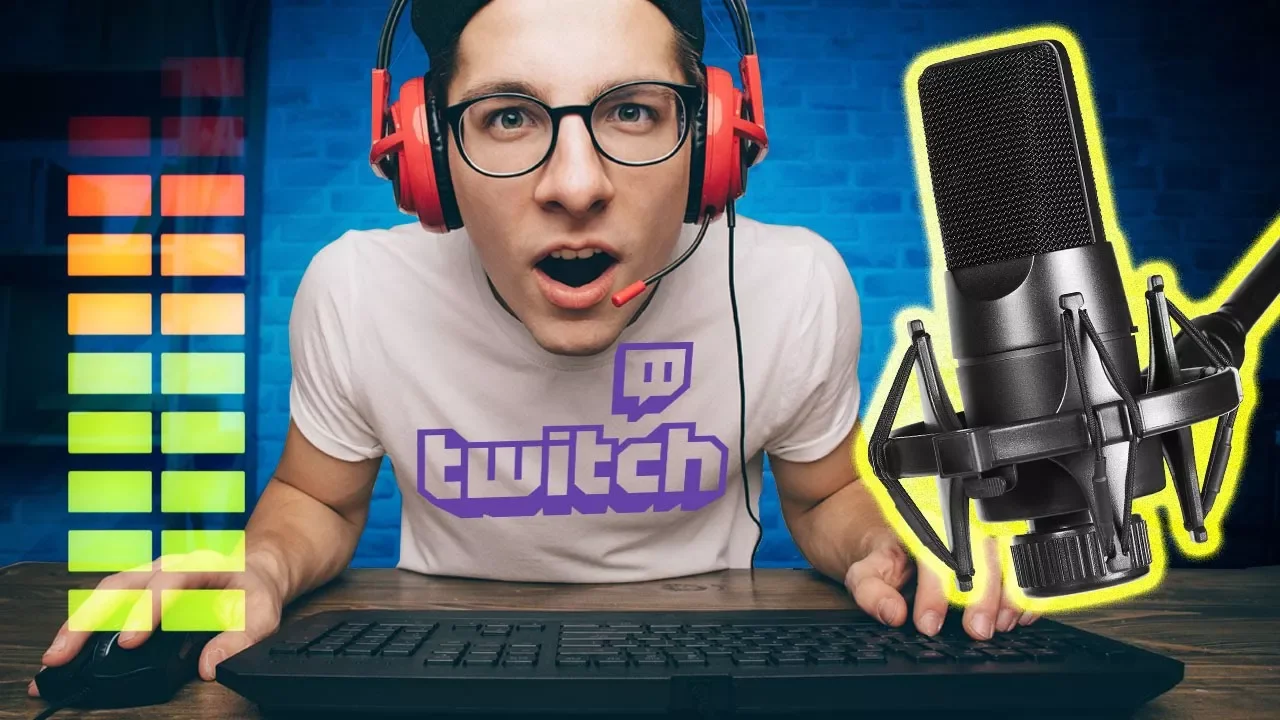
How to Set Up Audio for Game Streaming
0 up · 0 down · 0 ratings
Promos
Thanks to Elgato for sponsoring this video! Learn more about the Elgato Stream Deck on Amazon: geni.us e.lga.to So you've decided to start streaming your games - but trust us, you're going to need a better audio setup than the mic built into your webcam. Techquickie Merch Store: designbyhumans.com Techquickie Movie Poster: shop.crowdmade.com Follow: twitter.com Leave a reply with your requests for future episodes, or tweet them here: twitter.com Join the community: linustechtips.com Intro Theme: Showdown by F.O.O.L from Monstercat - Best of 2016 Video Link: youtube.com iTunes Download Link: itunes.apple.com Listen on Spotify: open.spotify.com
The video explains why a dedicated audio setup is essential for game streaming and walks through the main hardware decisions between USB and XLR microphone paths. It emphasizes that built‑in mics from webcams or headsets deliver poor quality compared to a standalone microphone, and it explains the tradeoffs: USB mics are simpler and convenient but can suffer from internal DAC noise and limited control, while XLR mics require an interface or mixer to manage gain, equalization, and monitoring. The presenter describes how a mixer can serve as a central control hub on your desk, allowing fine tuning of mic gain, monitoring levels, and the option to add a second mic for co‑streaming, all without tabbing out of the game. They cover practical accessories like stands or boom arms to reduce handling noise, pop filters to prevent plosives, and basic room treatment to minimize echo from hard surfaces or HVAC hum. The segment also touches on the Elgato Stream Deck as a convenience tool to trigger streaming commands with a single button press, highlighting the broader ecosystem of hardware that can improve streaming production value. In summary, the video guides beginners toward a scalable audio setup, starting with microphone choice, moving through signal path options, and finishing with desk‑level control and environmental considerations that contribute to clearer, more professional sounding streams.
Topics · technology · gaming · audio
Questions answered
- What is the main advantage of using an XLR microphone over a USB microphone for game streaming?
- An XLR microphone, when paired with a mixer or interface, offers finer control over gain, EQ, and monitoring and can yield higher audio quality and flexibility for multi‑mic setups compared to most USB mics.
- What are the essential components recommended for a basic but upgradeable streaming audio setup?
- A suitable microphone (preferably XLR or high‑quality USB), a mixer or audio interface, a stable stand or boom arm, a pop filter, and some room treatment like acoustic panels or rugs to reduce echo and background noise.