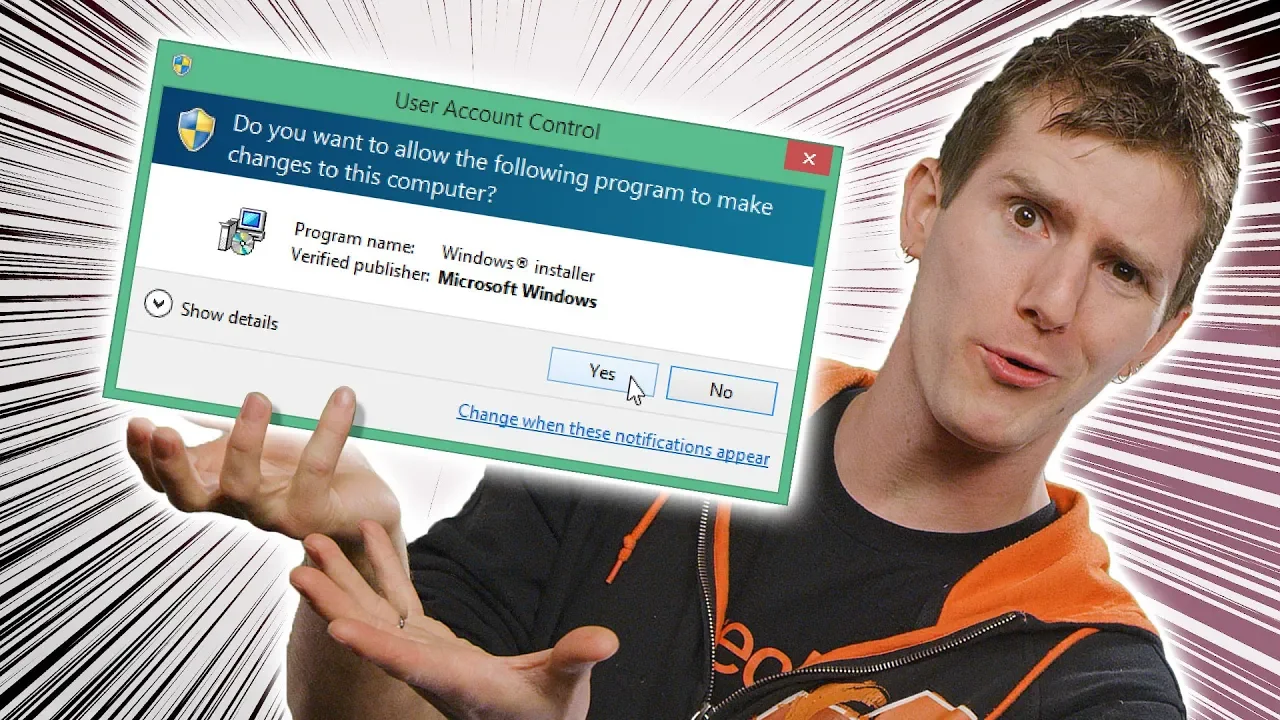
The Most ANNOYING Windows Feature
0 up · 0 down · 0 ratings
Promos
Learn more about Storyblocks Video at storyblocks.com What's the point of User Account Control? Techquickie Merch Store: lttstore.com Follow: twitter.com Join the community: linustechtips.com Leave a reply with your requests for future episodes, or tweet them here: twitter.com
The video opens by addressing a common Windows user frustration: the pop-up prompts that appear just as you are about to launch a game, browser, or other program. It then explains the origin and purpose of User Account Control, or UAC, detailing how older Windows versions like XP ran programs with full privileges, creating security holes where malicious or malformed software could alter the operating system. The presenter contrasts this with Vista’s approach, which began restricting privileges to only essential OS components and asking the user for explicit confirmation before making changes. The explanation continues with how UAC prompts serve as a defense against unauthorized changes, such as driver installations, system-wide setting tweaks, or modifications to protected folders like Program Files, which could otherwise compromise the system. The video also introduces virtualization features that create special folders for non-admin programs to prevent corruption of protected areas. Throughout, the host emphasizes that while UAC can be irritating during software installation or updates, disabling it is not advised due to the increased risk of malware running undetected. Finally, the host urges viewers to engage with the sponsor and wraps up by reiterating the key takeaway: use UAC responsibly by reading prompts rather than blindly clicking yes, since this is a meaningful layer of security.
Topics · technology · computer_science · operating_systems · privacy_security
Questions answered
- Waarom is User Account Control (UAC) in Windows zo belangrijk voor systeembeveiliging?
- UAC beperkt programma's tot de minimale benodigde privileges en vraagt om expliciete toestemming voor ingrijpende wijzigingen, waardoor kwaadaardige of slecht geschreven software minder kans heeft om het systeem te beschadigen.
- Wat doet virtualization binnen UAC en waarom is dat nuttig?
- Virtualisering stuurt applicaties zonder administratorrechten naar virtuele mappen zodat ze geen beschermde systeemmappen kunnen beschrijven, waardoor belangrijke OS-onderdelen beter beschermd blijven.